Why Every Self-Hosted Docker Server Should Run Watchtower
The Hidden Problem with Self-Hosting
Docker has revolutionized self-hosting. Deploying websites, monitoring systems, reverse proxies, databases, and applications can now be accomplished in minutes rather than hours.
However, one challenge remains:
How do you keep dozens of containers updated without manually checking every image?
For many administrators, updates become an afterthought until a vulnerability, bug, or outage occurs.
This is where Watchtower becomes extremely valuable.
What Is Watchtower?
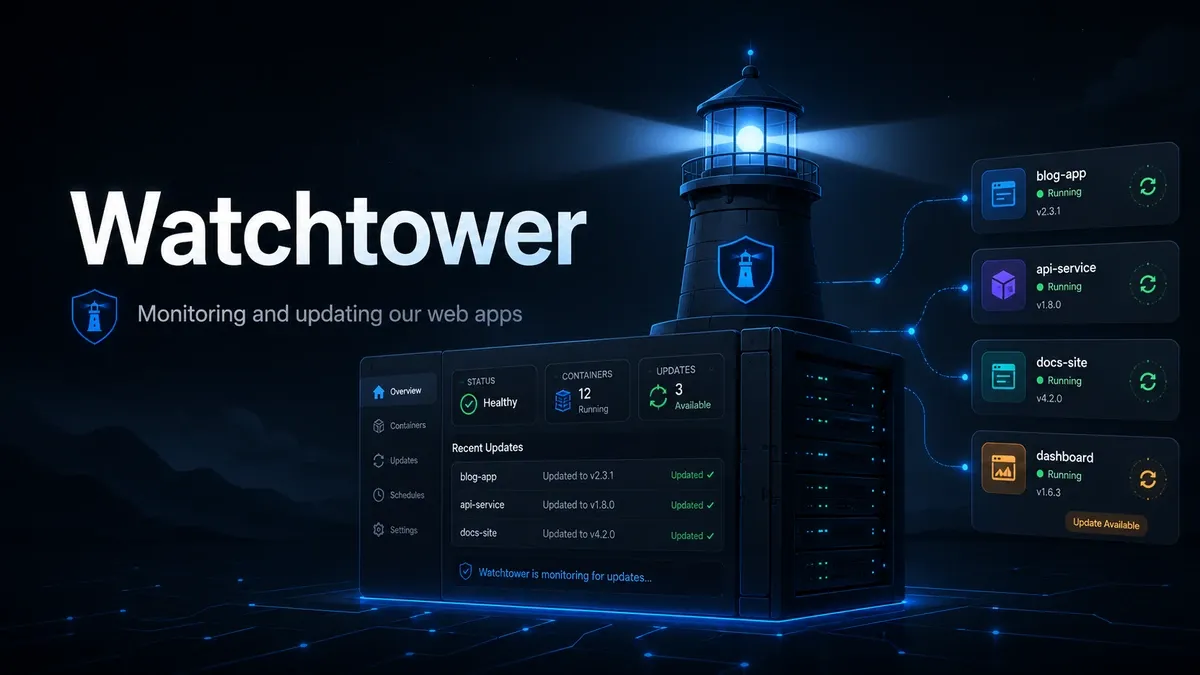
Watchtower is a lightweight Docker container that monitors container images and automatically updates selected containers when new versions become available.
Instead of manually performing this process:
Check Docker Hub
↓
Pull Image
↓
Stop Container
↓
Recreate Container
↓
Remove Old Image
↓
Verify Service
Watchtower can automate most of it for you.
Why Updates Matter
Container updates often include:
✅ Security fixes
✅ Bug fixes
✅ Performance improvements
✅ Stability enhancements
✅ Compatibility updates
Many self-hosted systems run for months without issues, making it easy to forget that underlying software continues to evolve.
Regular updates reduce technical debt and security exposure.
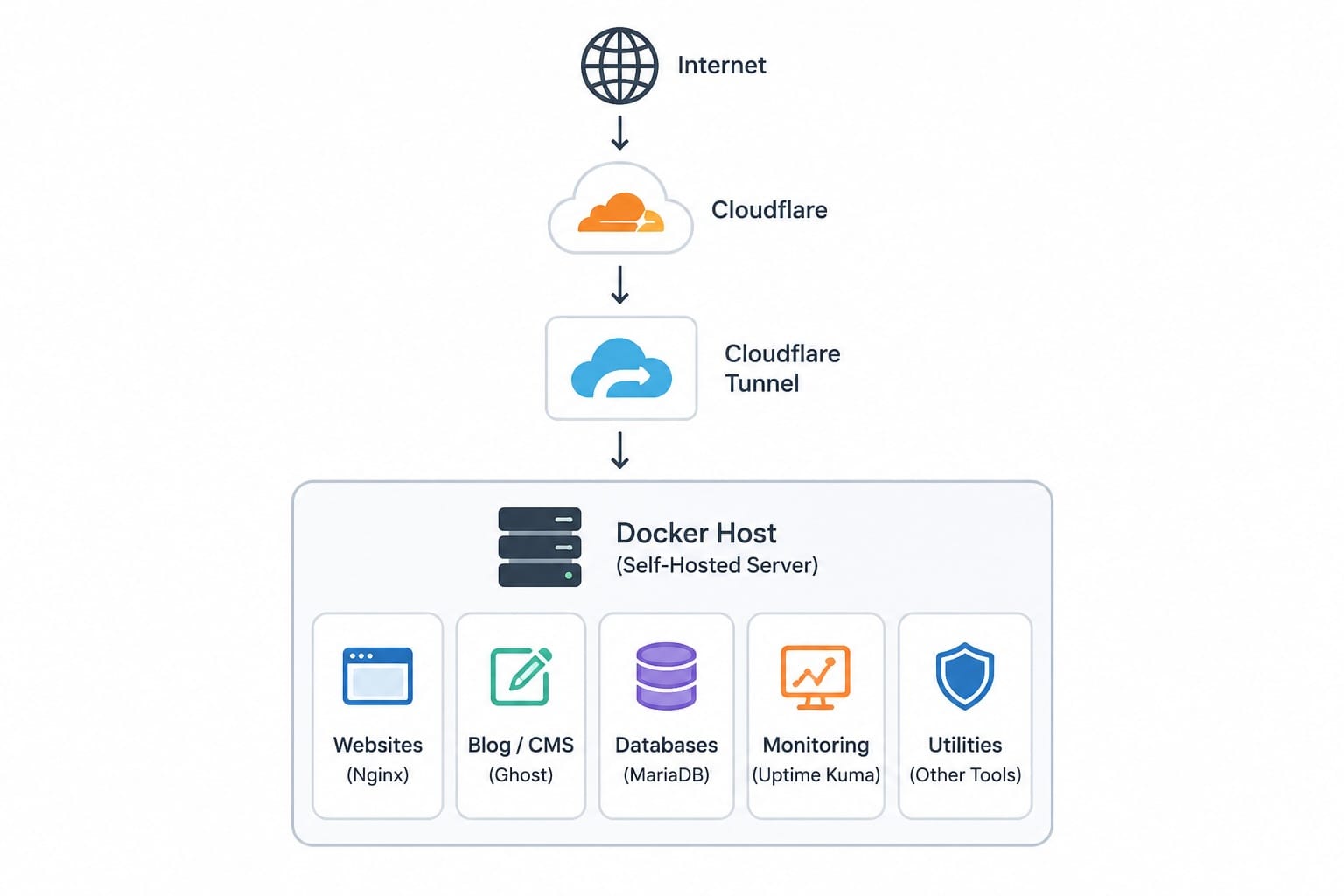
A Typical Self-Hosted Environment
The Problem with Automatic Updates
Many administrators hear "automatic updates" and immediately become concerned.
For good reason.
Imagine a database jumping from:
Version 10 → Version 11
or an application upgrading from:
Version 5 → Version 6
Major upgrades can introduce:
- Breaking changes
- Database migrations
- Configuration changes
- New requirements
For mission-critical services, this can become a disaster.
The Better Approach: Label-Only Updates
One of Watchtower's best features is label-based updates.
Instead of updating every container, Watchtower can update only the containers you explicitly approve.
Example:
labels:
  - "com.centurylinklabs.watchtower.enable=true"
Containers without the label are ignored.
Watchtower
    │
    ├── Cloudflare Tunnel    ✓ Update
    ├── Monitoring           ✓ Update
    ├── Database             ✗ Ignore
    ├── Website              ✗ Ignore
    └── Mail Server          ✗ Ignore
This provides automation without sacrificing control.
Containers That Are Usually Safe to Auto-Update
Infrastructure services often make excellent candidates:
- Tunnel connectors
- Monitoring platforms
- Dashboards
- Utility containers
- Lightweight reverse proxies
These services are typically easy to recreate and contain little or no critical data.
Containers Better Updated Manually
Most administrators prefer manual updates for:
- MariaDB
- MySQL
- PostgreSQL
- WordPress
- Ghost
- Mail Servers
- Nextcloud
- Business Applications
Anything that stores important data deserves additional caution.
Version Pinning: The Secret Weapon
Watchtower only follows the image tag you provide.
This matters.
Risky
image: application:latest
Better
image: mysql:8.0
image: mariadb:11
image: ghost:6
Version pinning prevents accidental major-version upgrades while still allowing security and maintenance releases within the selected family.
latest
  │
  ├── 5.x
  ├── 6.x
  └── 7.x

ghost:6
  │
  ├── 6.1
  ├── 6.2
  └── 6.50
Email Notifications
Automation is useful, but visibility is essential.
Watchtower can send email notifications whenever updates occur.
Benefits include:
- Knowing what changed
- Confirming successful updates
- Tracking update history
- Identifying unexpected activity
This transforms updates from a mystery into a documented maintenance process.
Safe Manual Checks
Not every update needs to be installed immediately.
Watchtower supports monitor-only mode.
docker run --rm \
  -v /var/run/docker.sock:/var/run/docker.sock \
  containrrr/watchtower \
  --run-once \
  --label-enable \
  --monitor-only
This reports available updates without making any changes.
Think of it as a "check engine light" for your Docker environment.
Recommended Strategy
For most self-hosted servers:
Automatic Updates
- Tunnel Services
- Monitoring Platforms
- Infrastructure Utilities
Manual Updates
- Databases
- Content Management Systems
- Mail Servers
- Critical Applications
Always Use
- Label-only mode
- Version pinning
- Email notifications
- Regular backups
Final Thoughts
Watchtower is not simply an automatic updater.
When combined with label-based management, version pinning, and notification reporting, it becomes a powerful maintenance tool that helps keep containerized environments secure while preserving administrative control.
The goal is not to automate everything.
The goal is to automate the right things.
That balance is what makes Watchtower one of the most valuable containers in a self-hosted environment.