Building a Custom Contractor Website With Codex in One Night
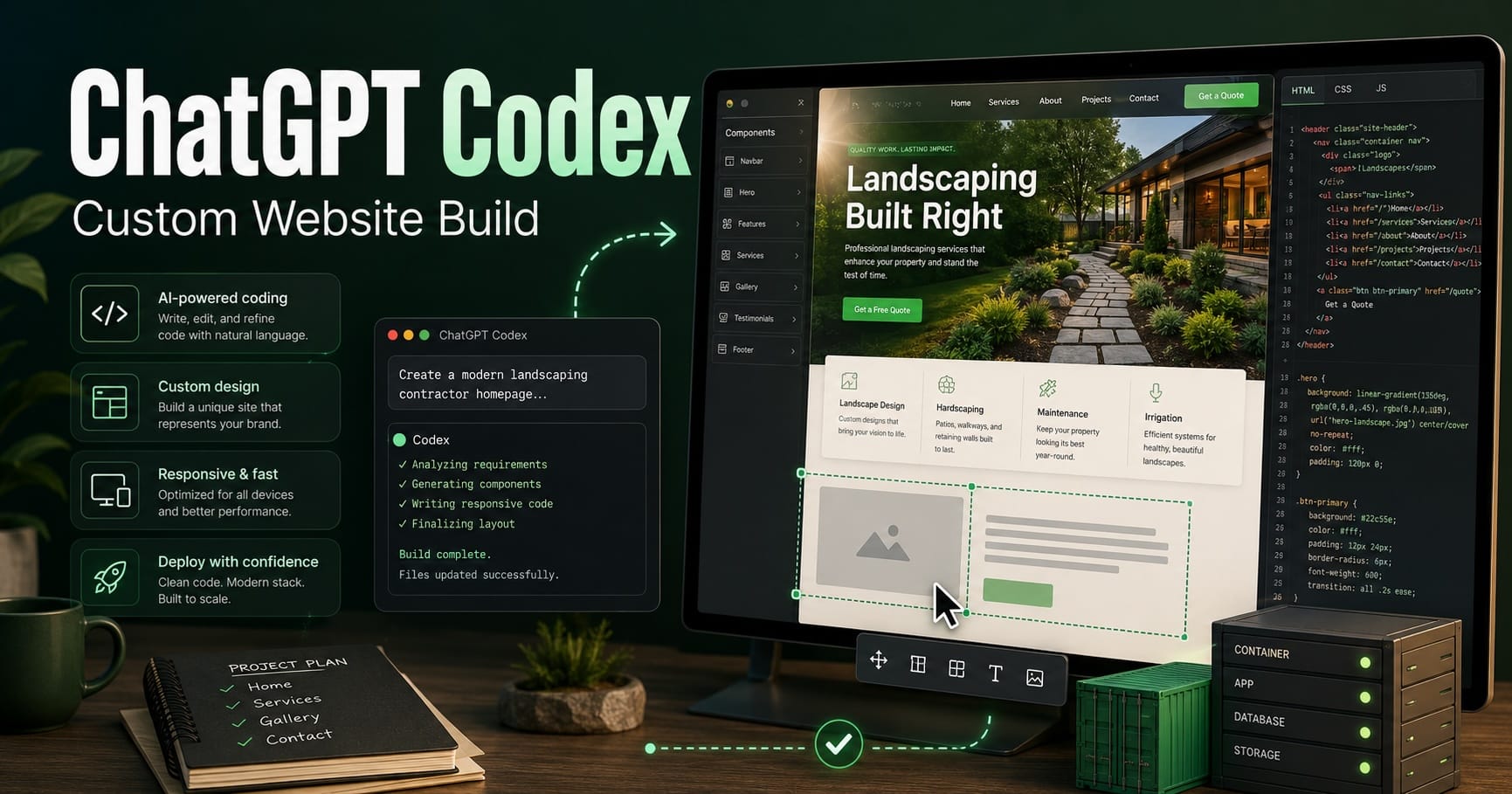
Tonight I tested Codex, an AI coding agent, on a real-world web project: rebuilding a small contractor website into a polished custom static site.
The goal was not to use a template or drag-and-drop page builder. The goal was to see if Codex could help create a custom-coded site from visual direction, reference images, real business details, and repeated design feedback.
In this case, the project was for a landscape and construction business. The existing website had display issues on desktop, including layout problems and limited visible contact information. I wanted to see if we could quickly create a better test site that looked professional, loaded fast, and could eventually be handed off as normal HTML, CSS, and image files.
Codex runs from the command line. In my case, I created a separate job folder on the web server and launched Codex from there. That matters for security. Instead of letting an AI coding agent operate inside the live website folder, I kept it contained in a separate working directory. Codex could inspect, create, and revise files in that project folder without touching the production Docker site until I was ready.
The workflow looked roughly like this:
mkdir -p ~/procare-agent-work
cd ~/procare-agent-work
codex
From there, Codex displayed as a terminal-style prompt. I gave it the design goal, the target render, the required folder structure, and strict instructions not to modify the live site, Docker files, nginx config, Cloudflare tunnels, or server settings.
The first version was rough. Codex understood the basic structure, but it missed the design target in several ways. The hero image was too dark, the logo was not the original customer logo, the mascot image was wrong, and the service cards used flat illustrations instead of realistic project photos.
That was the important lesson: Codex is powerful, but it still needs clear direction and real assets.
Over several rounds, we tightened the site:
- Added the original ProCare logo
- Built a bold hero section with landscape and construction messaging
- Added the Twiggy mascot card
- Used real owner and mascot photos in the About section
- Restored realistic service photos
- Removed a Projects link that had no section yet
- Adjusted the layout, spacing, colors, and contact bar
- Packaged the finished site as a static website
The biggest improvement came when we stopped asking Codex to “make it look right” and started giving it exact assets with exact filenames. Instead of saying “use a better logo,” we supplied the actual logo file. Instead of asking it to create a better mascot, we supplied the exact mascot image. The same applied to the owner photo, real Twiggy photo, and service images.
Once the test site looked good, Codex produced a static site package with files like:
index.html
favicon.ico
assets/
styles.css
hero-landscape.jpg
original-procare-logo.png
hero-twiggy.png
service-landscape.jpg
service-hardscape.jpg
service-drainage.jpg
service-outdoor.jpg
Because this was a static site, deployment was straightforward. The final ZIP was copied into the Docker project folder, then the containers were restarted.
The server setup was already in place: Docker containers, nginx, and a Cloudflare tunnel. The live test address was already mapped through Cloudflare, so the job was not to rebuild the infrastructure. The job was to replace the website files inside the existing containerized site.
Deployment looked roughly like this:
cd ~/procare-agent-work
unzip -o procare-site-content-final.zip
-d /home/user/procare-site/procare_docker_site
cd /home/user/procare-site/procare_docker_site
docker compose restart
There was one more real-world issue: caching.
At first, the new files were in place, but the browser still showed the old version. Checking the live HTML confirmed the new page was being served, but the browser or Cloudflare was still holding onto old CSS and image assets. The fix was to cache-bust the stylesheet by adding a version number:
<link rel="stylesheet" href="assets/styles.css?v=9001">
After that, the page loaded correctly.
That is another reminder that building the site is only part of the job. Deployment, caching, Docker routing, nginx behavior, and Cloudflare all still matter.
What impressed me most was not that Codex got everything right the first time. It did not. What impressed me was that it could keep working through corrections and produce a usable custom-coded site in a short amount of time.
This was not a template. It was a custom static site built with HTML, CSS, images, and real business content. Codex helped speed up the build, but human review still mattered at every step.
My takeaway is simple: AI coding agents are becoming very useful for small business web projects, especially when paired with clear direction, real assets, and someone who understands how to review, test, and deploy the result safely.
Codex did not replace the web developer role here. It acted more like a fast junior developer that could build, revise, and package the site while I guided the design, content, deployment, and quality control.
For a one-night test, that is a pretty big deal.