How I Discovered a Malicious Script on My Ghost CMS Site and Why I Started Over
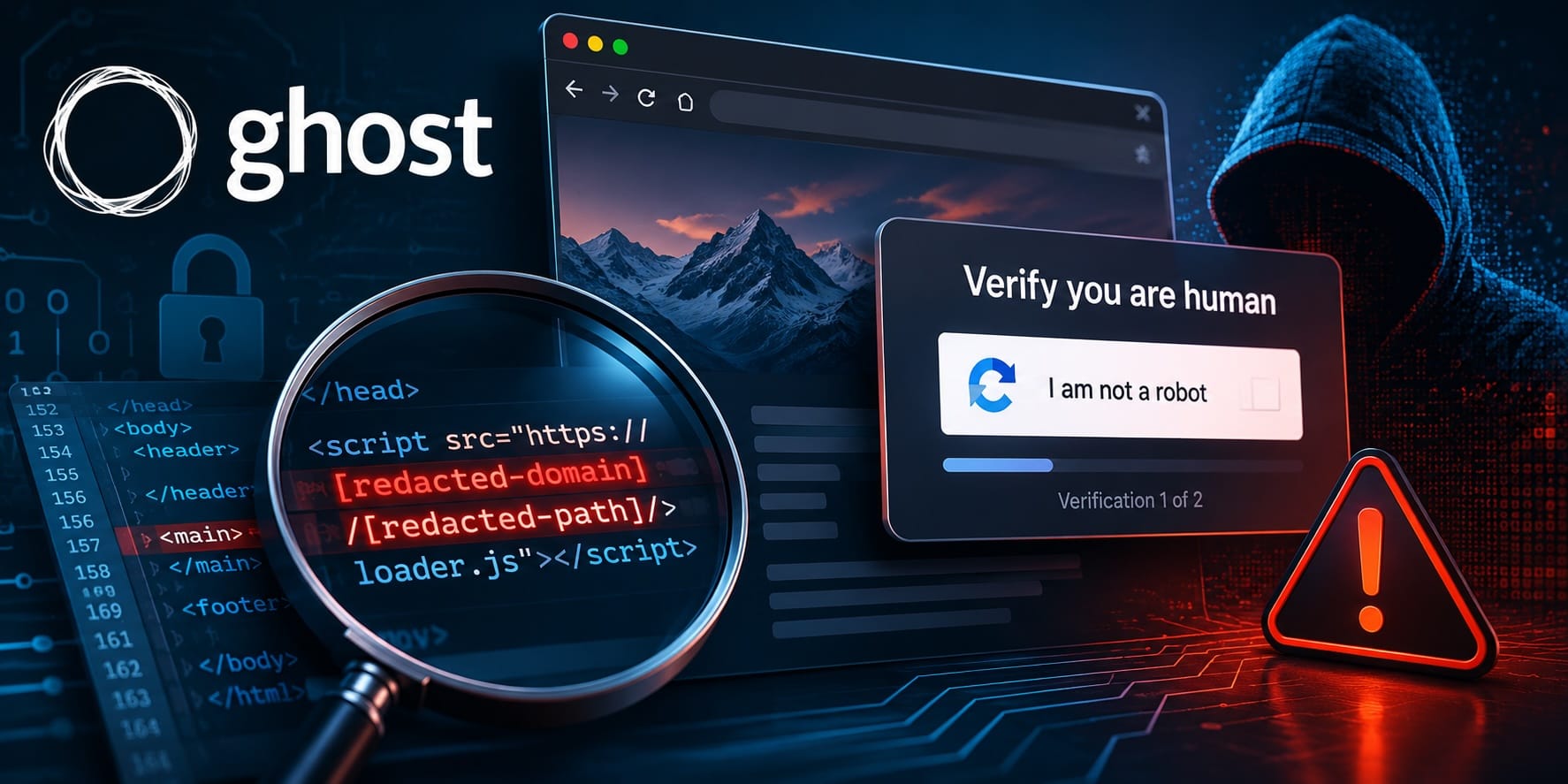
While performing routine maintenance on my self-hosted Ghost CMS website, I discovered an unauthorized JavaScript reference embedded within the site's content settings.
The injected code resembled the following:
<script src="https://[redacted-malicious-domain]/[redacted-path]/loader.js"></script>
The exact domain and path have been intentionally redacted to avoid directing traffic to potentially malicious infrastructure.
At first, I assumed the problem might be related to my web server, Cloudflare configuration, or Docker environment. However, after several hours of investigation, the evidence pointed elsewhere.
What I Found
The malicious script was not being injected by:
- Nginx
- Cloudflare
- Docker
- The operating system
- A third-party comments platform
Instead, the script appeared to be stored within Ghost-managed content or settings.
This was an important discovery because it meant the website software itself could be fully updated while still serving malicious content that had been stored previously in the database.
Recent Ghost CMS Attacks
During my investigation, I learned about recently reported attacks targeting Ghost CMS websites.
Security researchers documented campaigns where attackers exploited Ghost vulnerabilities to obtain administrative access and inject malicious JavaScript into website content. In many cases, the goal was to redirect visitors to fake CAPTCHA pages and ClickFix-style attacks.
A ClickFix attack typically works like this:
- A visitor loads a legitimate website.
- Malicious JavaScript displays a fake verification page.
- The user is instructed to copy and paste commands into Windows Run, Command Prompt, or PowerShell.
- The command downloads and executes malware.
The technique relies on social engineering rather than exploiting the visitor's browser directly.
While I cannot prove that my site was compromised through any specific vulnerability, the behavior I observed was consistent with publicly reported Ghost CMS compromise campaigns.
Why Upgrading Was Not Enough
One of the most important lessons from this experience is that upgrading software does not automatically remove malicious content that has already been inserted into a database.
A website can be fully patched and still contain:
- Malicious page content
- Modified posts
- Unauthorized code injection settings
- Embedded JavaScript references
If the malicious content remains stored in the database, the website may continue serving it indefinitely.
The Decision to Rebuild
After restoring access to the administrative interface and reviewing the site, I had to make a decision.
I could attempt to clean the existing installation and trust that everything had been removed, or I could establish a completely new baseline.
I chose the second option.
The recovery process included:
- Deploying a fresh Ghost installation
- Creating a new MySQL 8 database
- Rebuilding content manually
- Reviewing every page before publishing
- Removing unused components and integrations
- Verifying that no malicious code remained
While rebuilding required more effort, it eliminated uncertainty.
Lessons Learned
If you operate a self-hosted Ghost website, I recommend the following:
Keep Ghost Updated
Apply security updates promptly and monitor Ghost security advisories.
Review Site Code Injection Settings
Check both Site Header and Site Footer code injection areas for unexpected JavaScript.
Audit Staff Accounts
Verify that all administrative accounts are legitimate and expected.
Review Integrations and API Keys
Remove integrations you no longer use and rotate credentials if compromise is suspected.
Maintain Backups
Regular exports and backups can dramatically simplify recovery.
Consider a Clean Rebuild
If malicious content is discovered and the source cannot be determined with confidence, rebuilding from a clean environment may be safer than attempting to clean an existing installation.
Final Thoughts
I still cannot say with certainty how the malicious code originally appeared on my website.
What I can say is that the code was present, the site was serving it, and a clean rebuild eliminated the problem.
For self-hosted website operators, that may be the most important lesson: when trust in a system has been lost, establishing a new trusted baseline is often the safest path forward.