How a Ghost CMS Vulnerability Led to Mailgun API Abuse — and How We Recovered Using Docker and Cloudflare Tunnel
Introduction
On May 25, 2026, we identified suspicious outbound email activity originating from a self-hosted Ghost CMS environment running inside Docker containers.
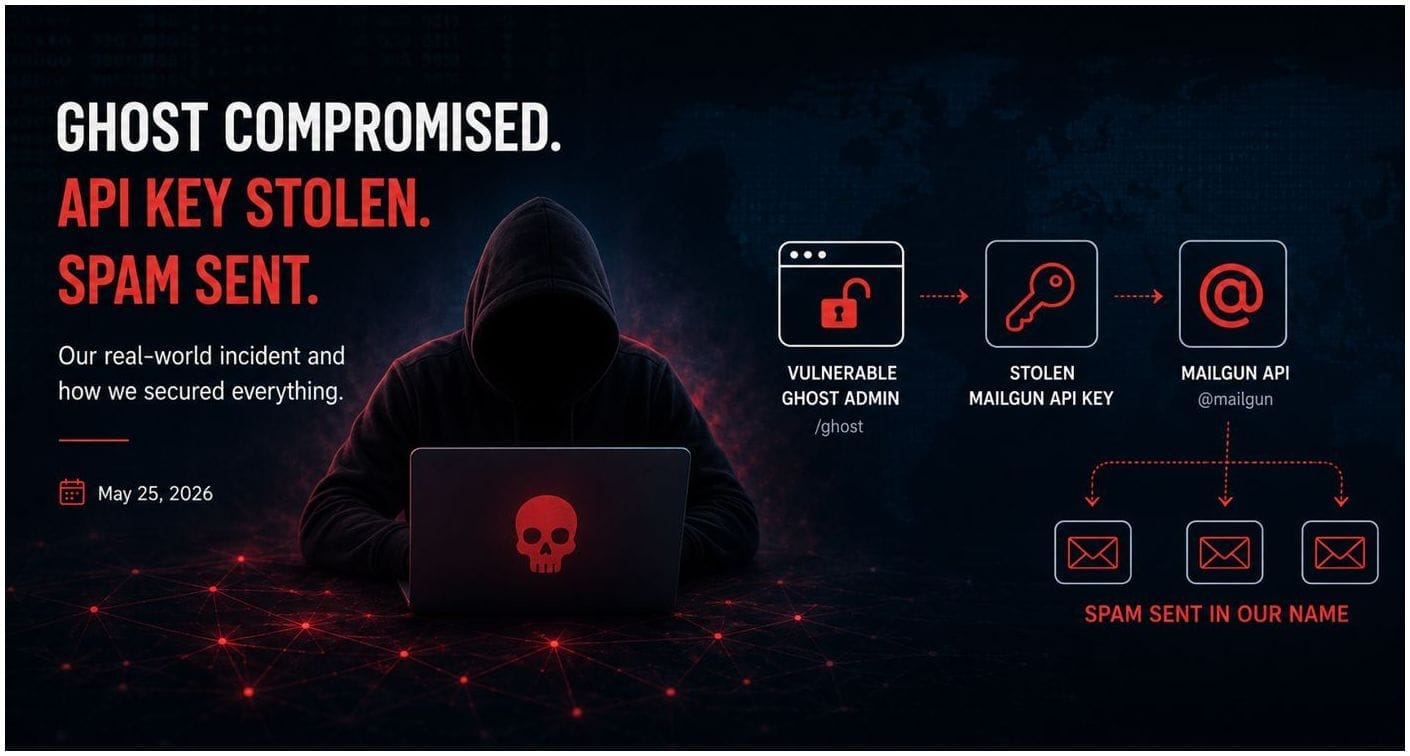
The incident ultimately traced back to a vulnerable Ghost CMS installation that allowed attackers to gain access to a Mailgun API key associated with the blog platform. Once exposed, the key was used to send unauthorized outbound spam email on behalf of the domain.
This article explains:
- How the attack likely occurred
- The operational symptoms we observed
- The emergency containment steps taken
- The challenges encountered during recovery
- Lessons learned about Docker image management and self-hosted security
The goal is to help other self-hosters and small organizations avoid similar issues.
Environment Overview
The affected environment consisted of:
- Ghost CMS running in Docker
- Nginx reverse proxy containers
- MariaDB/MySQL backend containers
- Cloudflare Tunnel for public access
- Self-hosted infrastructure on Ubuntu Linux
The public blog itself was accessible through Cloudflare Tunnel rather than direct public port forwarding.
The architecture looked approximately like this:
Internet
  ↓
Cloudflare Tunnel
  ↓
Nginx Reverse Proxy
  ↓
Ghost CMS Container
  ↓
MariaDB/MySQL
At the time of the incident, Ghost was running an older 5.x release.
Initial Symptoms
The first signs of trouble were abnormal outbound email activity and Mailgun warnings.
Indicators included:
- Unexpected outbound email volume
- Mailgun abuse alerts
- Unauthorized spam messages originating from the domain
- Increased security concerns surrounding Ghost CMS vulnerabilities being actively exploited in the wild
At first glance, the infrastructure itself appeared healthy:
- Docker containers were online
- Ghost frontend loaded normally
- Cloudflare Tunnel remained operational
- No obvious filesystem corruption was observed
However, API abuse indicated that sensitive credentials had likely been exposed.
How the Attack Likely Worked
Based on public vulnerability reporting and observed behavior, the most likely scenario was:
- Attackers identified exposed Ghost administrative surfaces running vulnerable 5.x builds.
- The vulnerable Ghost instance was accessed or abused.
- Mailgun API credentials configured for Ghost email functionality were obtained.
- The API key was then used externally to send spam email.
Importantly:
The attackers did not necessarily need full operating system compromise.
Even partial application-level access can be enough to expose:
- API keys
- SMTP credentials
- session tokens
- integrations
- webhook configurations
This highlights a major lesson in modern self-hosting:
API keys are often as sensitive as passwords.
Immediate Containment Actions
The first priority was containment.
Immediate steps included:
- Revoking Mailgun API keys
- Disabling memberships and outbound email features
- Removing unused integrations and webhooks
- Reviewing Ghost administrative accounts
- Upgrading Ghost to a secure release
- Reviewing Cloudflare and Docker configurations
We also shifted operational strategy toward:
- minimizing exposed attack surfaces
- pinning Docker versions
- improving update visibility
- separating automatic updates from manual security-sensitive upgrades
The Ghost 5.x → 6.x Upgrade Challenge
Upgrading Ghost was not entirely straightforward.
The initial migration from Ghost 5.x to Ghost 6.x caused administrative lockout issues due to newer security mechanisms introduced in Ghost 6.
Symptoms included:
- inability to log into
/ghost - staff device verification failures
- administrative session loops
- Cloudflare interactions complicating login state
Container logs showed warnings such as:
Missing mail.from configand additional Ghost 6 behavior changes around administrative verification.
The environment was ultimately stabilized by:
- disabling Ghost staff device verification
- simplifying email configuration
- recreating containers cleanly
- pinning Ghost to an exact known-good version
Example:
image: ghost:6.41.1This prevented future accidental major-version jumps.
Why Docker Image Pinning Matters
One of the most important lessons from the incident involved Docker image tags.
Originally, some services used floating tags such as:
image: ghost:latestWhile convenient, floating tags can unexpectedly:
- jump major versions
- introduce breaking changes
- trigger schema migrations
- alter authentication behavior
After the incident, critical services were pinned to explicit versions.
Examples:
image: ghost:6.41.1
image: mariadb:11
Lower-risk infrastructure components remained floating:
image: cloudflare/cloudflared:latest
image: nginx:alpine
Introducing Watchtower for Safer Updates
To improve update visibility without introducing unnecessary risk, Watchtower was deployed.
The strategy adopted was:
- automatic updates only for low-risk infrastructure containers
- manual updates for security-sensitive applications
Current update policy:
Service | Update Strategy |
|---|---|
Cloudflared | Automatic |
Nginx | Manual / Low Risk |
Ghost | Manual |
Databases | Manual |
Mail Services | Manual |
Portainer | Manual |
Watchtower was configured to:
- send email notifications for updates
- selectively auto-update only labeled containers
- avoid touching critical application stacks automatically
Cloudflare Tunnel Lessons Learned
Cloudflare Tunnel significantly reduced exposure compared to direct public port forwarding.
However, one operational challenge emerged during recovery:
Docker network attachments and internal Docker DNS behavior became critical.
After recreating the Cloudflared container, tunnel routing temporarily failed because the container lost visibility into one of the Docker networks hosting the Ghost reverse proxy.
Symptoms included:
lookup fastcom-static-home on 127.0.0.11:53: server misbehavingThe issue was resolved by:
- reconnecting the Cloudflared container to the proper Docker networks
- restarting the tunnel container
- validating internal Docker DNS resolution
This reinforced another important lesson:
In containerized environments, networking and service discovery are just as important as the application itself.
Current Security Posture
The environment now operates with:
- Ghost 6.41.1 pinned explicitly
- reduced Ghost functionality
- memberships disabled
- outbound email disabled
- Mailgun credentials rotated
- selective Watchtower auto-updates
- Cloudflare Tunnel isolation
- Docker network segmentation
- improved operational monitoring
Additional hardening options remain under evaluation, including:
- Cloudflare WAF rules
- Ghost admin IP restrictions
- administrative path protection
- additional log analysis and alerting
Final Thoughts
Modern self-hosting is powerful, but it requires ongoing operational discipline.
A single exposed API key can create:
- reputational damage
- email abuse problems
- infrastructure instability
- emergency maintenance windows
Key takeaways from this incident:
- Keep applications updated
- Pin important Docker versions
- Rotate API keys aggressively
- Reduce unnecessary application functionality
- Separate low-risk and high-risk update policies
- Monitor outbound email activity carefully
- Understand Docker networking deeply
Ultimately, the environment was successfully recovered without data loss, and the infrastructure emerged significantly more secure and maintainable than before the incident.
Tools & Technologies Referenced
- Ghost CMS
- Docker
- Docker Compose
- Cloudflare Tunnel
- Nginx
- MariaDB / MySQL
- Watchtower
- Mailgun
- Ubuntu Linux
This article intentionally omits sensitive infrastructure details, credentials, and exact defensive configurations.